





C-one
Introduction
 The C-one is a reconfigurable computer. It has two FPGA's as processors. You can put a program inside the FPGA's. The program can emulate a processor. For example it can act like a C64 including all the chips inside the C64.
On this page I will show the step-by-step build of my C-one into a case including a hard-disk, 3,5" and 1541 disk-drive.
The box
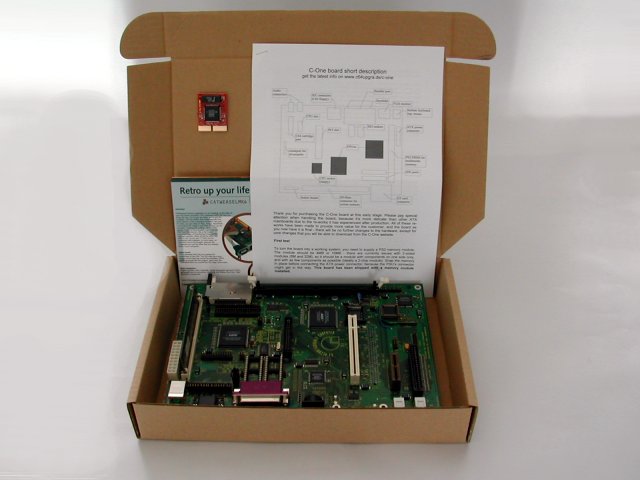 The C-one in it's box.
This all you get when you order one. So don't get disappointed if you open up your box. Don't think you bought a computer, think you bought a motherboard and got the processor for free....
In the box:
The C-one motherboard rev 2.
Instruction manual.
Processorboard (65816).
1M × 32-Bit EDO-Module.
A couple of Individual Computers promotions.
The case.
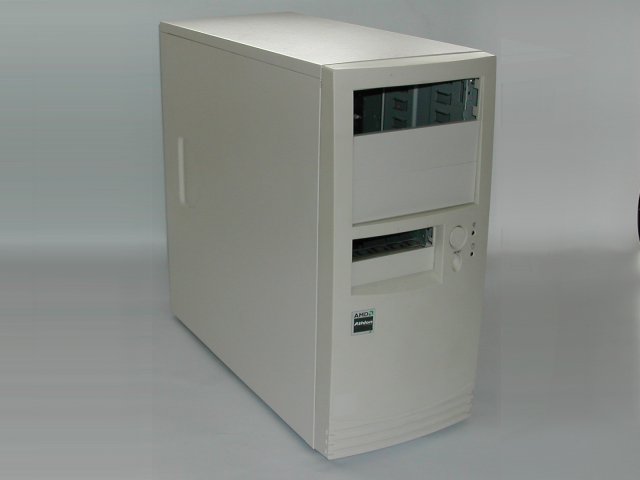 A rather dull case for my C-one project but I can always do some case modding to get it a bit more attractive.
The case was donated by JVS.
Mounting the motherboard.
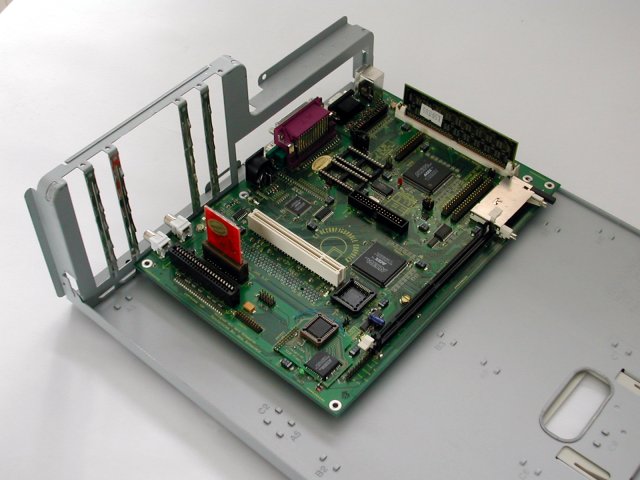 The C-one is placed on the removable backplane of the case. Note that there are two metal strips removed from the PCI slots. The strips are in the way because the two audio output are slightly in the wrong place.
The cover for the original connectors is removed. You can use this cover as a template later.
Making a new backplate.
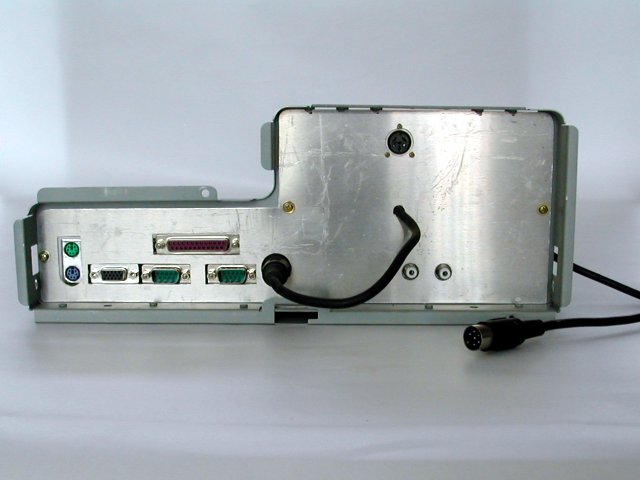 Making a new back-cover to put over the connectors from a sheet of aluminium.
First I made a template out of card-board to make a new cover.
Then drilled holes and filed the holes for all the connectors.
Later I will polish the whole cover.
The cable is connected to the connector in the top of the cover and the other side of this cable will go to the 1541 internal drive. In this way I will keep a IEC-serial connection at the back for another drive or printer.
Internal 1541 disk-drive.
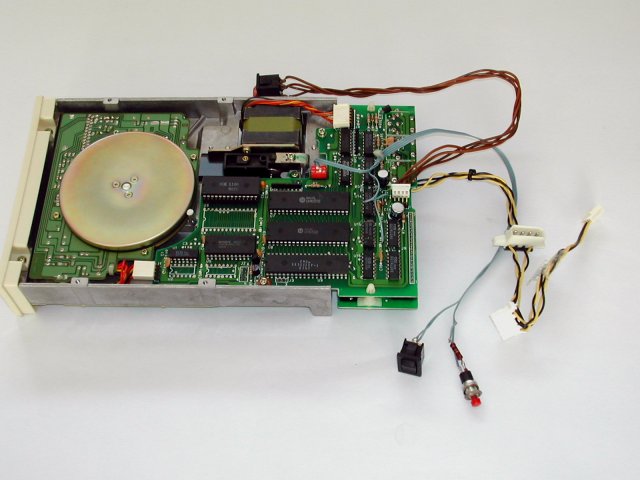 This is a Oceanic OC-118N disk-drive. It's a 1541 clone and should be 99 % compatible with a standard 1541.
I did some modding:
Made the power switch cable longer, attached a PC style power connector, added a drive reset switch and a 8 / 9 device switch.
Installed everything.
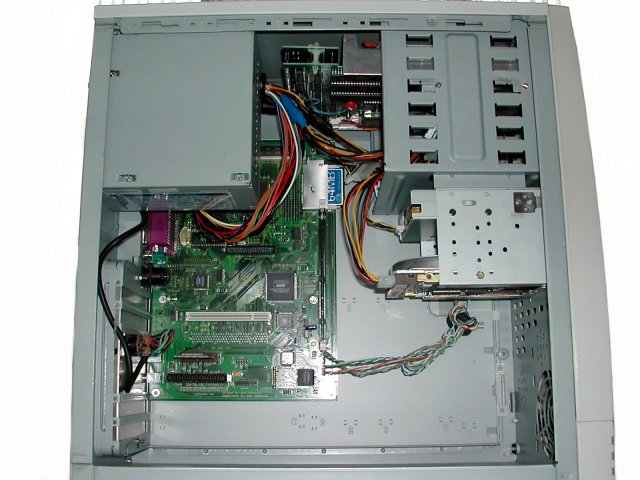 At the top of this picture you can see the Oceanic drive. On the right a PC floppy drive and a PC hard disk, not connected at the moment.
On the left the C-one motherboard. With the Compact Flash boot card.
I took a 64 MB card from my digital camera. Need a new card now. :)
Attached the power supply, power-switch, reset-switch, power LED.
Does it work?
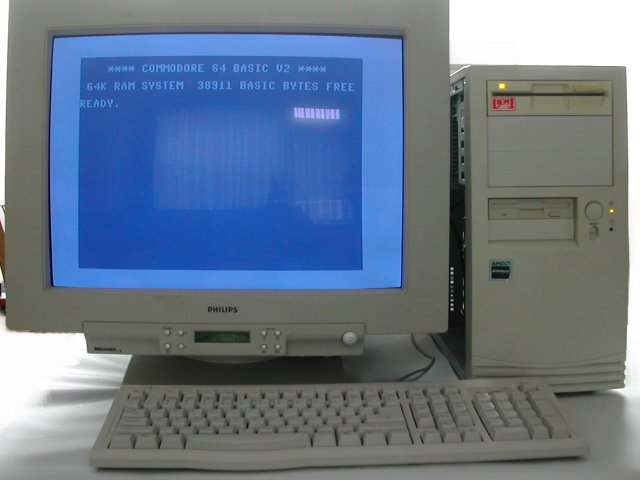 Then the big moment powering the C-one.
The first screen you get is a boot screen where you can choose the computer you want. If you do nothing the C64 core will be loaded.
Yes this is a big screen (21") but it gives that TV-screen feeling. But with a razor sharp picture.
Update: 2011-06-24 19:47:41