





Building a XE1541 cable
Introduction
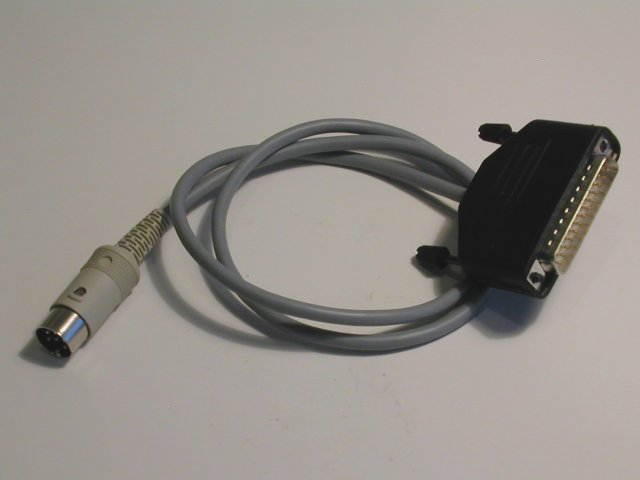 It is possible to transfer a diskette from a 1541, 1540, 1570, 1571 or 1581 disk drive to a PC. The opposite is also possible. For the transfer you need a special cable. There are different kinds but the most common are the X1541 and XE1541 cables. The X1541 is the simple version and works fine with older PCs. But with modern PCs the X1541 cable doesn't always work. For these PCs the XE1541 cable is a better option. You can also use a XE1541 cable with older PC's.
This article will explain how to build a XE1541 cable. It is easy if you have some basic soldering skills. But also for the in-experienced people this is a nice starting project.
The XE1541 cable is developed by Nicolas Welte and Wolfgang Moser.
Related links
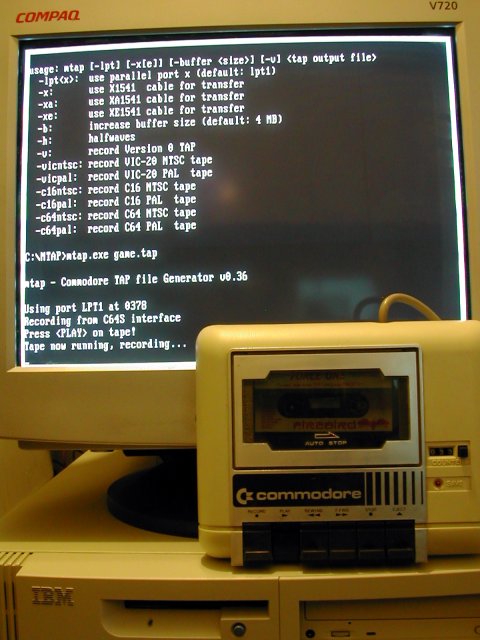
Tools:
 - Soldering iron + soldering tin.
- Small pliers. (cut and bend)
- Screwdriver.
- Knife.
- Helping hand.
- Heat-gun.
Parts:
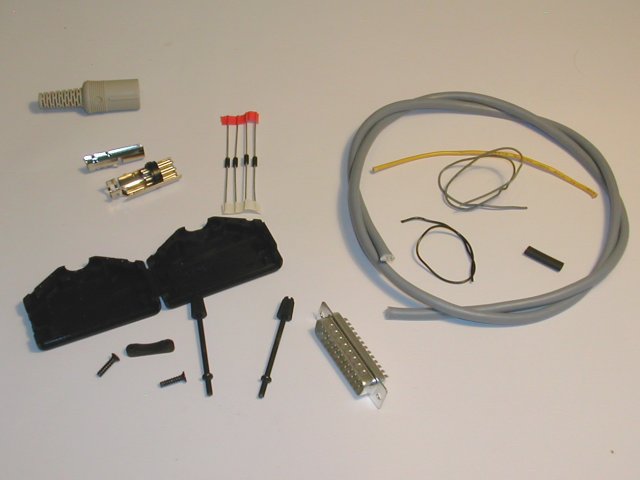 - 6 pin DIN 45322 connector.
- 25 pin (male) SUB-D connector.
- 25 pin SUB-D connector hood.
- Shielded cable with 5 wires (100 cm)
- 4 x diode 1N5819. (or 4 x diode BAT85)
- Piece of shrink tube for the cable. (2 cm)
- Piece of flexible wire. (10 cm)
- Piece of wire isolator. (20 cm)
- Piece of blank copper wire. (5 cm)
The schematic.
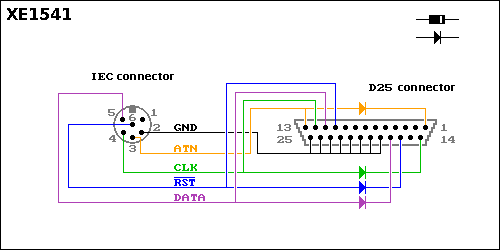 This is the schematic of the XE1541 cable.
Make sure you connect the diodes in the right way. The straight line of the symbol is the white band on the diode.
If you don't have lots of soldering experience then practice on something with no value. For example a piece of experimental pcb and some wires or parts. Don't heat the wires or parts too long when soldering. Use a helping hand to set up your stuff. With the helping hands you can concentrate on the soldering.
Check all your connection when finished. A wrong connection can damage your Commodore disk drive or your PC.
Stripping the cable:
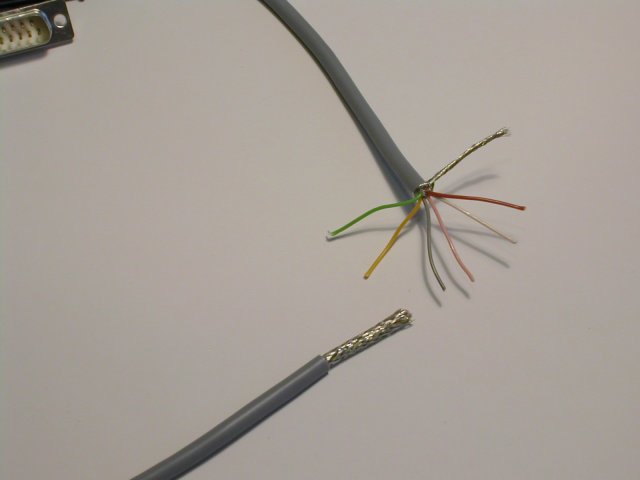 Remove 40 mm of the cable jacket on both sides of the cable.
Unravel the shielding and turn it into a wire.
Tinning of the shielding.
 Cut the shielding to 5 mm.
Tin the shielding on both sides of the cable.
Finishing the shielding:
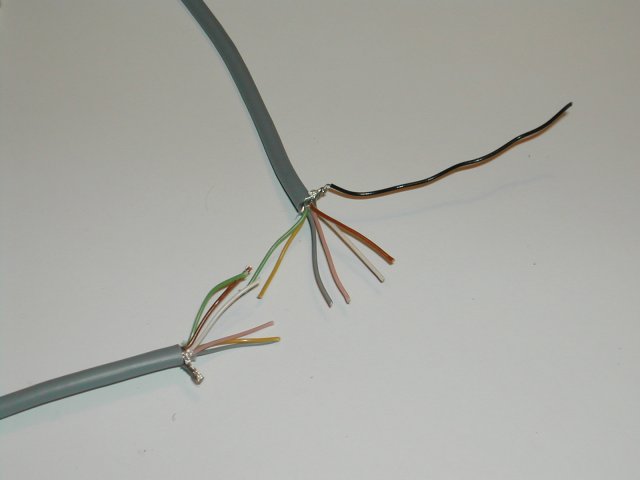 Take a piece of flexible wire and solder this to the shielding. (On one side of the cable only.)
Placing the shrink tube:
 Shrink the shrink tube onto the cable with a heat gun.
Preparing the 6 pin DIN connector:
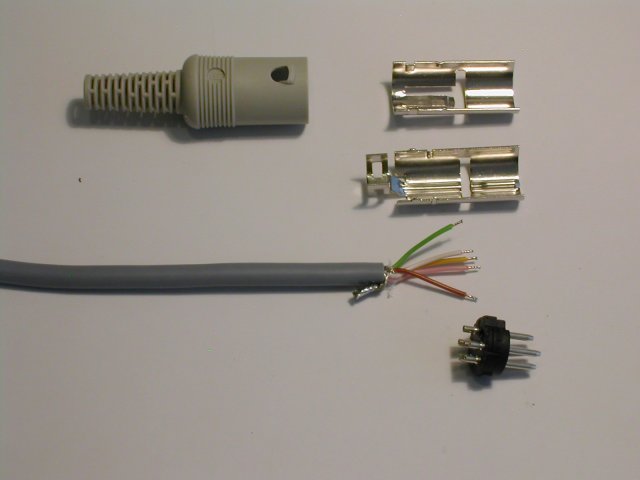 Cut the wire (on one side of the cable) to 25 mm.
Strip the wires 5 mm.
Tin the wires.
Cut the tinned piece of the wire to 2mm.
6 pin DIN connector soldering:
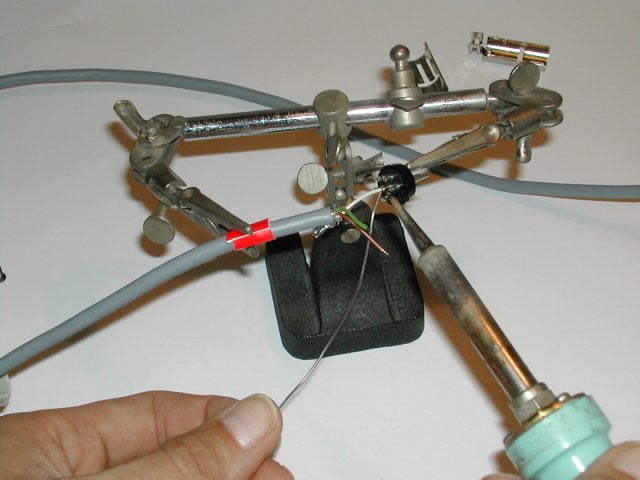 Set up your cable and the connector in the helping hands.
Solder the wire to the correct pin.
6 pin DIN connector soldering:
 Solder the remaining wires to the correct pins.
Finishing the 6 pin DIN connector:
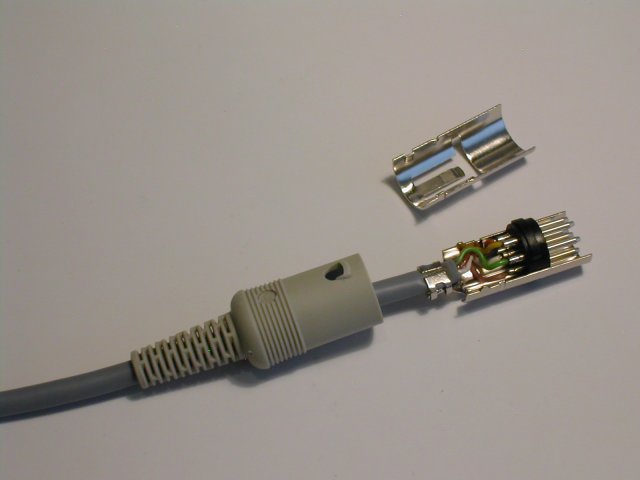 Put the piece with the pins in the metal part of the connector.
Crimp the strain relief around the cable. With this you also connect the shielding to the metal part of the connector.
6 pin DIN connector ready:
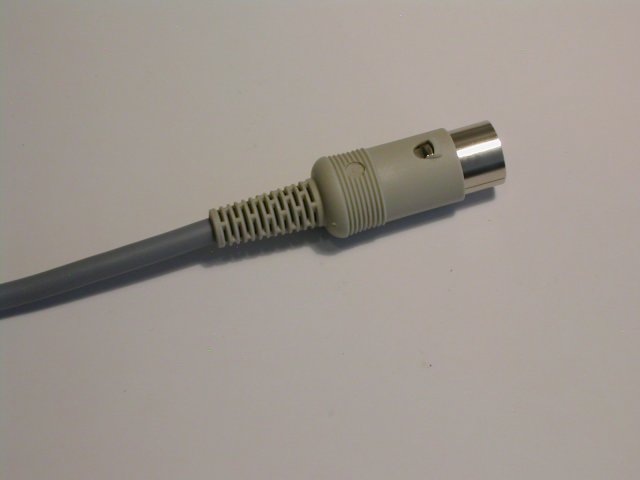 Check if the connections are the same as on the schematic.
Put the other metal part on the connector and slide the plastic part over the metal part.
Diodes bending:
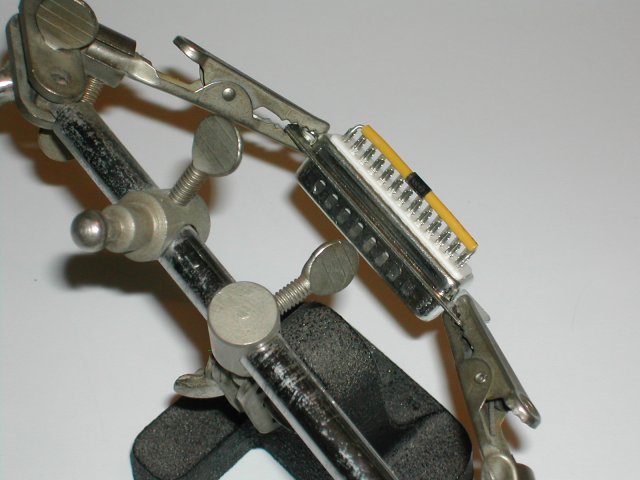 Put the 25 pin SUB-D connector in the helping hands.
Put a piece of wire-isolator on the diodes.
Bend the diodes in the right shape.
Diodes soldering:
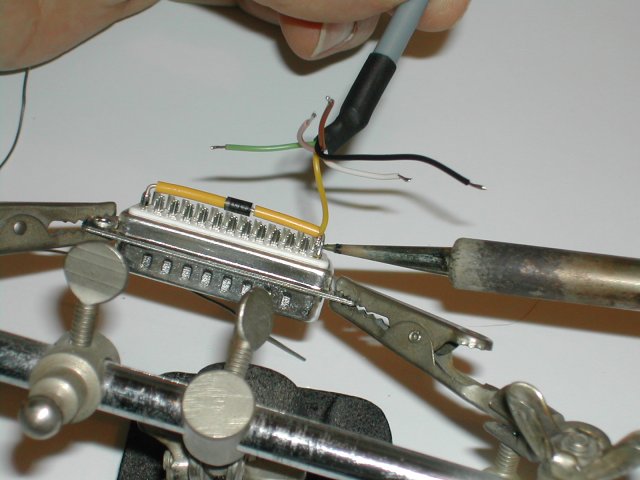 Solder the diode and the wire.
Diodes soldering:
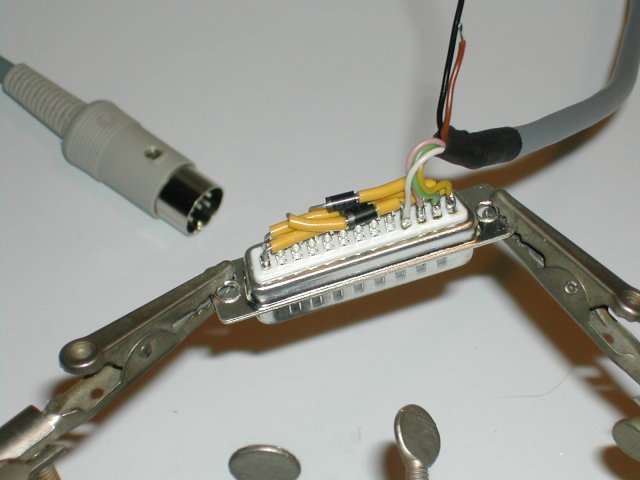 Solder all diodes and wires to the pins. Make sure that the diodes are in the right direction.
Diodes soldering:
 Tin the pins 18 - 25.
Put a piece of copper wire over the pins 18 - 25. Solder the piece of copper wire to the pins.
Solder the remaining wires. The shielding is connected to the metal part of the connector.
Cable is finished:
 Check all your connection with the schematics.
Place the strain relief.
Close the connector.
Testing the cable:
 Connect your PC and a Commodore disk drive with the cable.
A well known program for the transfer of disks is Star Commander. This program is written by Joe Forster. The program works with DOS.
Go to this web page to download the program. You can also find a manual for the program on that web page.
Update: 2019-05-11 13:31:50